If you like a frame you already wear, choosing another color can reduce the number of style changes you are making. Confirm that the listing really is the same model and size before treating it as familiar. Then decide whether you like the new finish rather than assuming any color will create the same look.
Confirm the full selection first
Record the exact model and all three size numbers from your current pair. Compare those with the new listing and selected option. A shared model name is not enough when multiple sizes are available.
Check the written details rather than measuring two photos displayed at the same size. Product images are resized for the page and are not a physical scale.
Compare the rim impression in the new finish
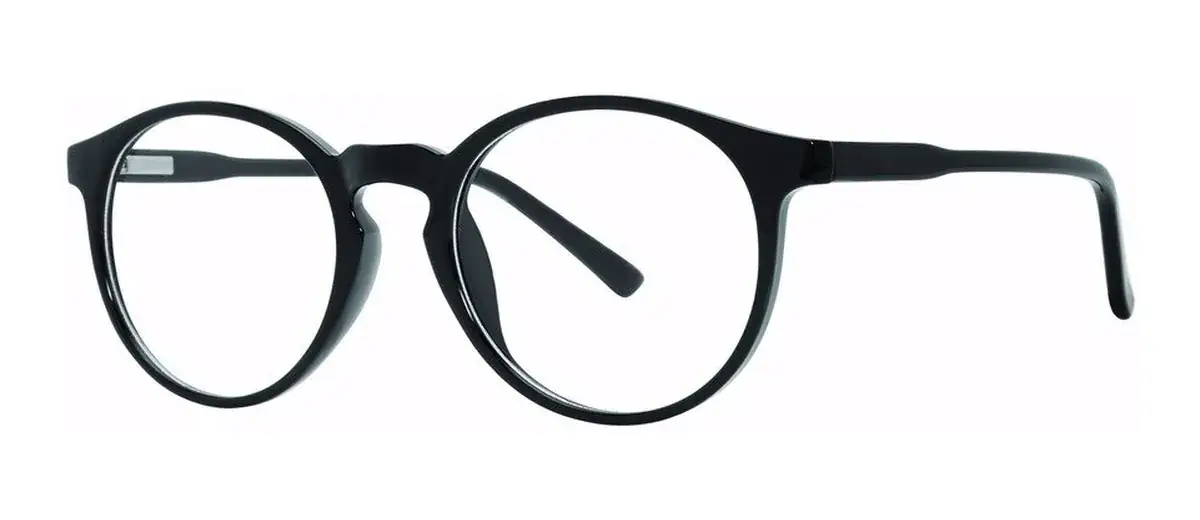
Accord, for example, lists Black, Crystal and Tortoise options. Those names describe different-looking finishes within the model. A lighter-looking rim may seem less prominent without becoming physically smaller.
Inspect the available images for the selected color, including the arms where shown. If matching an existing finish is important, ask about the exact color code or option rather than using a general color family.
Give the new order its own final check
Use the current prescription and your measured PD. Confirm the selected size and color in the cart, along with the lens options and total. A familiar frame does not make an old prescription current.
If the present pair is no longer comfortable, investigate that before copying it. Changing color is a style choice; it does not resolve an unanswered bridge or arm-fit concern.
Use a specific frame for your comparison
Open the exact model and selected size when you investigate a fit question. These Fast Eyeglasses listings give you concrete options to compare with your own reference pair.
- View Accord frame details — listed sizes: 49–20–140.
Frame sizes describe lens width, bridge width and arm length. Check current options and availability on the product page. Ask about any important measurement that is missing.