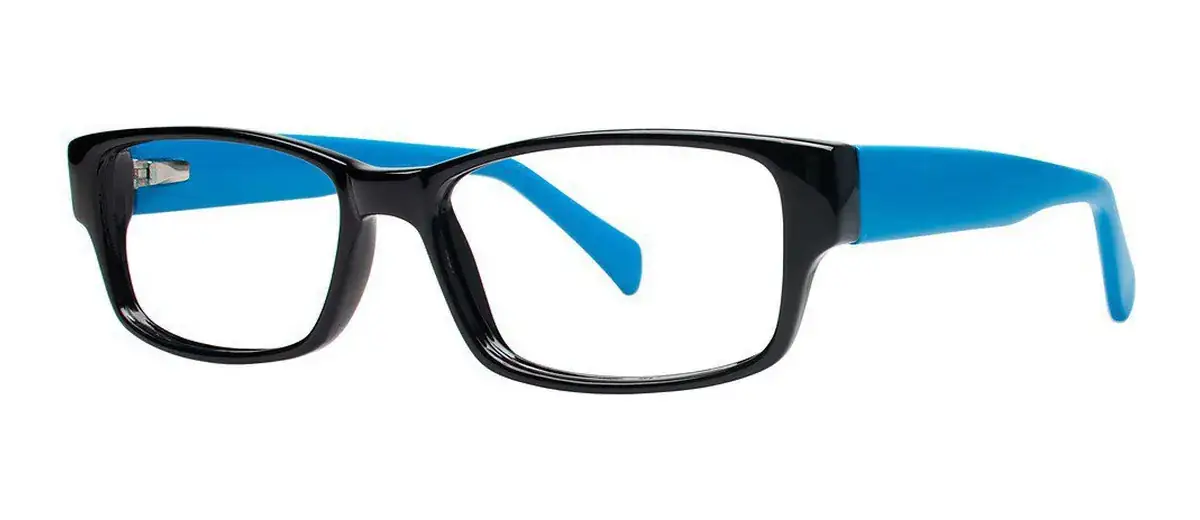
A good product photo earns its place in the decision. It can reveal a hinge detail, a color contrast or a shape you missed in the thumbnail. The mistake is asking it to become a ruler, a prescription assessment and a physical try-on all at once.
Read each view for a different kind of information
Use the front view to compare outlines and visible proportions. Use the side view to inspect temple styling and the hinge area. Close-ups may help you notice material transitions or decorative details. Keep each observation tied to the actual selected variant.
If the listing shows a frame on a person, use it as a style example. You do not know that the model’s head, bridge or adjustment needs match yours. A confident expression in a photograph is not evidence of comfortable all-day fit for a different wearer.
Do not measure millimeters from an uncalibrated screen
An image can be resized, cropped or shown at a different zoom. Holding your glasses against your phone does not establish that both frames are displayed at the same scale. A screenshot may be useful for remembering a style, but it does not become a dimension specification.
Use published measurements for product facts. Ask whether an important missing dimension can be confirmed for the exact frame and size. If you are given an additional measurement, keep its definition with the number; lens width and total frame-front width are not interchangeable.
Turn visual doubts into a short question list
Write down what you cannot tell: which variant is shown, whether the bridge uses pads or whether a feature is functional or decorative. Send the specific questions that could change your decision. Do not ask a seller to certify personal fit from an ordinary photo.
Fast’s listings are a place to compare actual products, not to manufacture certainty from pixels. Combine the images with your reference pair, the written dimensions, a suitable prescription and the order terms. Then a photo can do its best job: help you choose the look after the practical comparison is underway.